
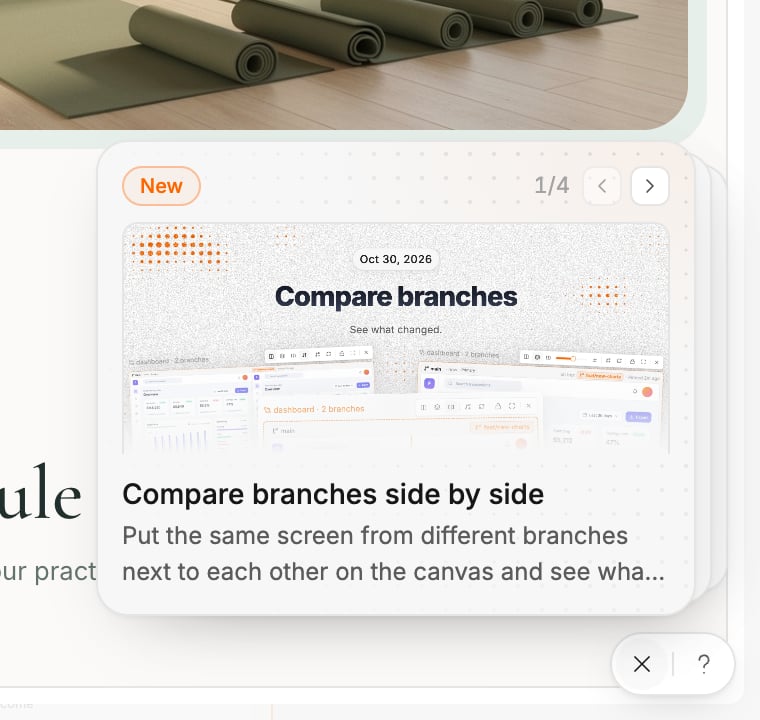
What’s new
Click the bell to open the latest product updates. An orange dot on the bell means there are updates you have not seen.- The newest updates appear as cards. Use the arrows to move between them.
- The last card, Earlier updates, lists older ones. Full changelog → at the end of the list opens the complete changelog.
- Click any update to open its changelog entry in a new tab.
Chat with us
Click the ? to open a chat with the Polymet team. A dot on it means we have answered. You can also open the chat from your profile menu with Support Center, or by typing/support in the generation input on the canvas.
The product tour
The tour you saw when you signed up is always available. Open your profile menu and choose Product Tour. Pick any section to jump straight to it.Related
- Welcome to Polymet — find the page for what you want to do
- Troubleshooting — fixes for common problems
- FAQ — short answers