
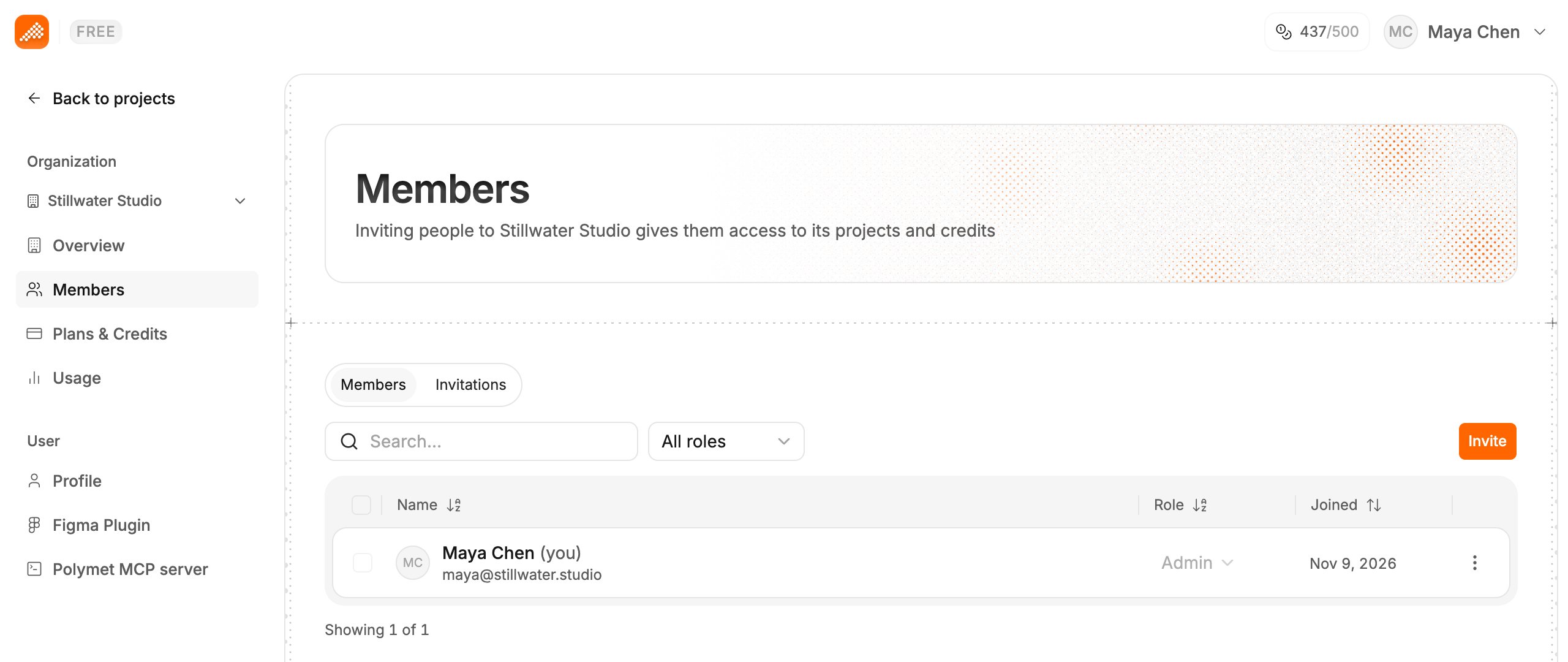
Invite someone
Only admins can invite.- Click your avatar to open the profile menu, click Settings, then Members. On the projects page, Manage Members in the profile menu goes straight there.
- Click Invite.
- Type their email in Invite member and click Invite.
Admin and Member
You pick no role when you invite. Change a person’s role after they join. Controls a member cannot use stay on screen, disabled, with the reason in a tooltip, such as “Only admins can manage members”.
Change a role
- On the Members tab, find the person. Search matches names and emails.
- Click their role in the Role column and pick Admin or Member.
Remove someone
- Open the menu at the end of their row and click Remove from organization.
- Confirm with Remove.
Related
- Share a project — choose who can open one project
- Work at the same time — see teammates’ cursors on the canvas
- See who used what — credit use per member