
What the agent can do
- Search fal’s models and read their inputs, docs and pricing
- Run a model, or submit a longer job and collect the result
- Upload a file for a model to use
- Cancel a job it started
What it costs
Generations spend your fal credits. They are billed by fal, not by Polymet. You limit or revoke a key in fal’s own dashboard.Connect
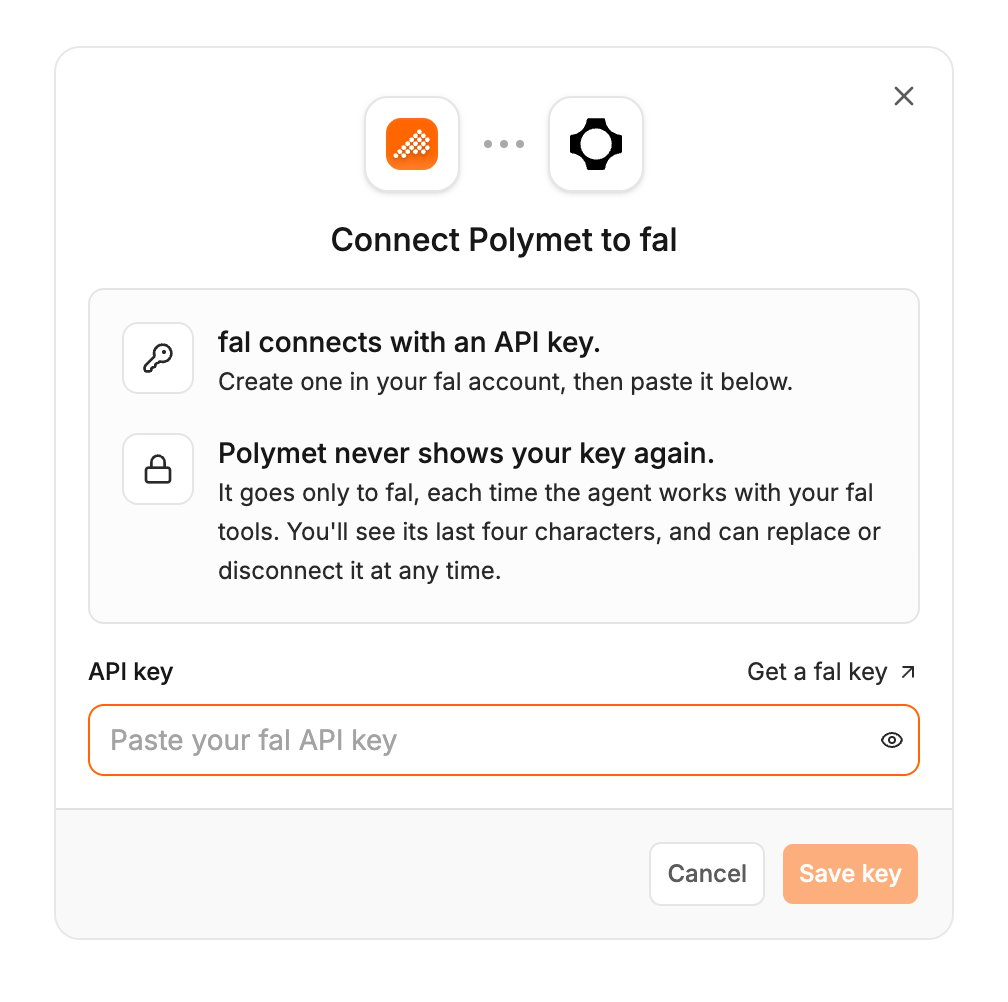
fal connects with an API key.- Create a key on fal’s keys page.
- In Polymet, click Agent connectors in the generation input.
- Find fal and click Connect.
- Paste the key into API key and click Save key.
Try it
Related
- Agent connectors — approving calls, accept-all and its limits, disconnecting
- Replicate connector — another catalog of media and language models
- Prompt the agent — the images Polymet generates without a connector