
What the agent can do
- Search the web
- Ask a question and get an answer with its sources
- Reason through a harder question step by step
What it costs
Searches spend your Perplexity API credits. They are billed by Perplexity, not by Polymet.Connect
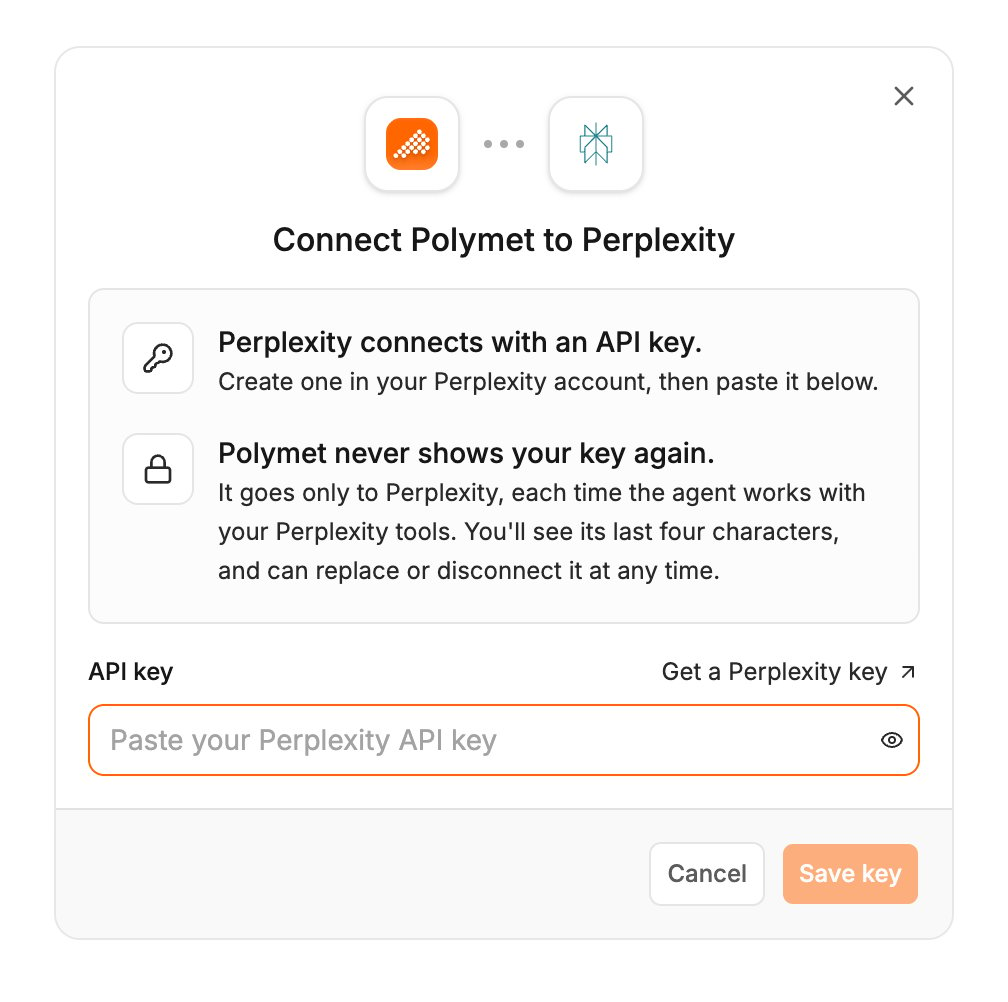
Perplexity connects with an API key.- Create a key on Perplexity’s API keys page.
- In Polymet, click Agent connectors in the generation input.
- Find Perplexity and click Connect.
- Paste the key into API key and click Save key.
Try it
Related
- Agent connectors — approving calls, accept-all, turning a connector off, disconnecting