
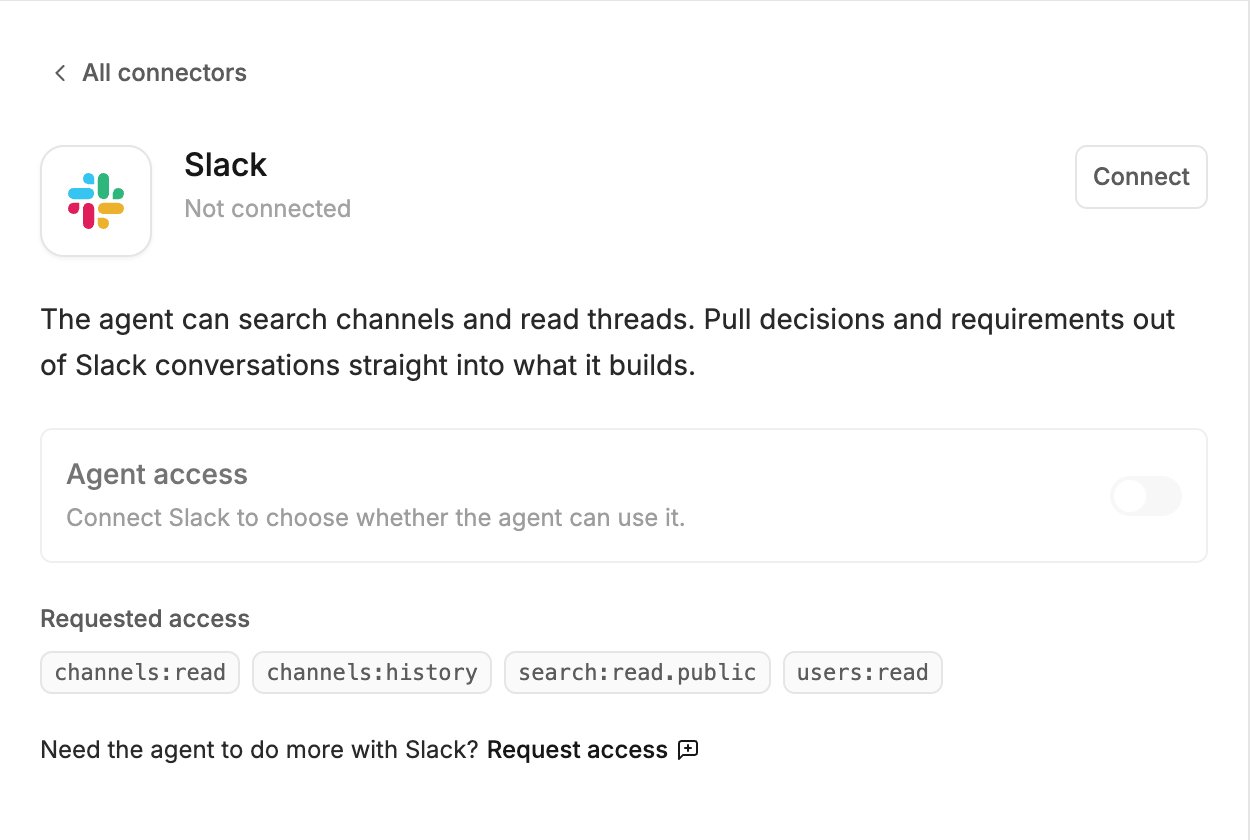
What the agent can do
- Search messages in public channels
- Read public channels and their threads
- See who people are, so names in a thread make sense
Connect
- Click Agent connectors in the generation input.
- Find Slack and click Connect.
- Sign in to your Slack workspace in the popup and approve the access.
Try it
Related
- Agent connectors — approving calls, accept-all, turning a connector off, disconnecting