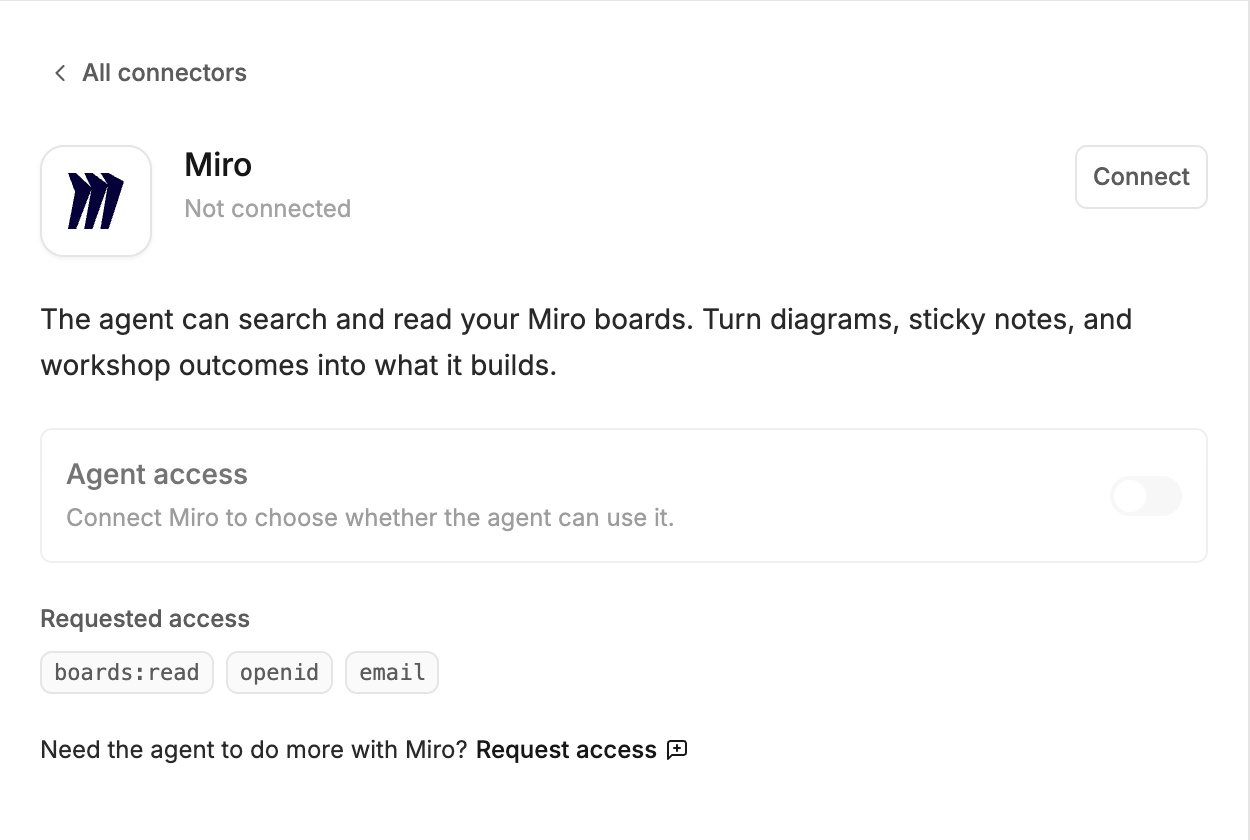
The Miro connector lets the agent search and read your Miro boards. Use it to turn diagrams, sticky notes and workshop outcomes into what it builds.
Miro in the Agent connectors window, with the Connect button, the Agent access switch and the access Polymet asks for

What the agent can do

  • Search your boards
  • Read what is on a board
It cannot change your boards. Polymet asks Miro for read access to boards only.

Connect

  1. Click Agent connectors in the generation input.
  2. Find Miro and click Connect.
  3. Sign in to Miro in the popup and approve the access.

Try it

  • Agent connectors — approving calls, accept-all, turning a connector off, disconnecting