
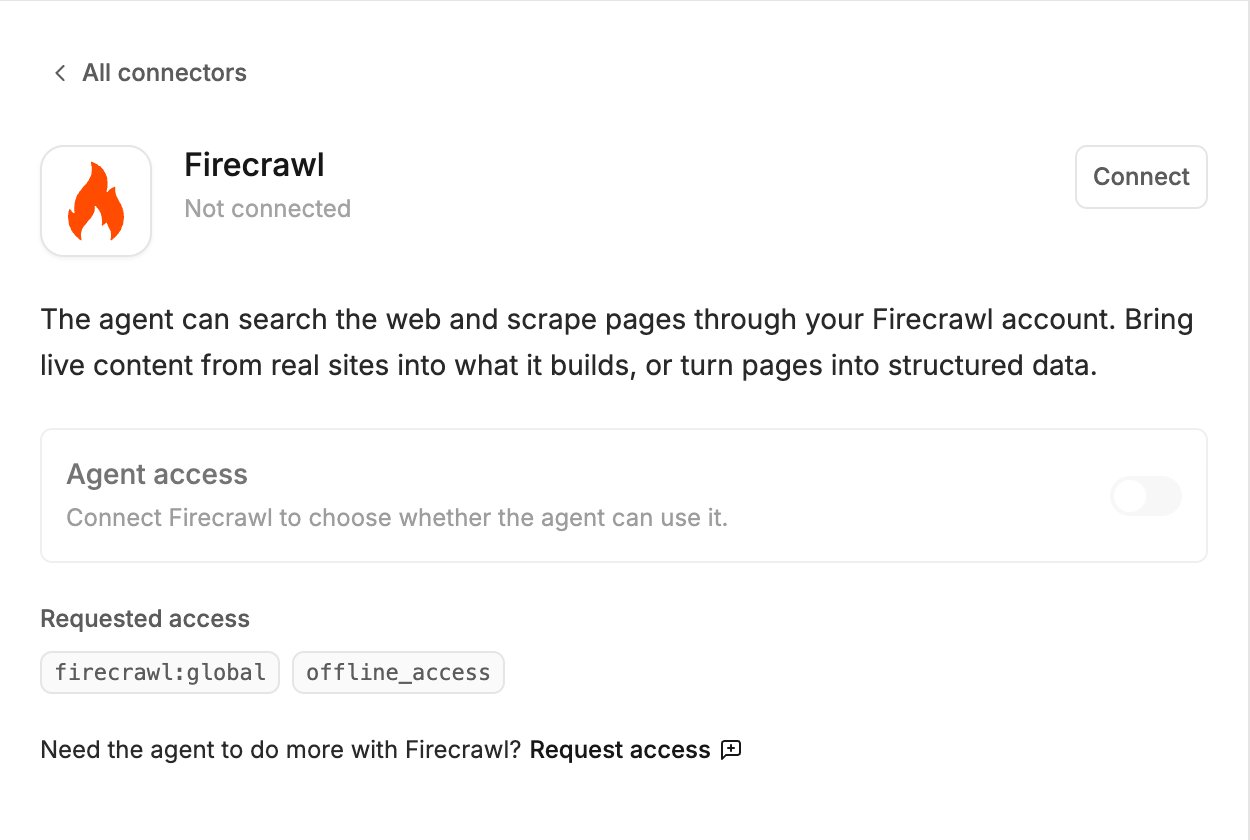
What the agent can do
- Search the web
- Scrape a page and read its content
- Turn pages into structured data
Connect
- Click Agent connectors in the generation input.
- Find Firecrawl and click Connect.
- Sign in to Firecrawl in the popup and approve the access.
Try it
Polymet’s own web search
The agent can already search and read the web without a connector, using the globe button in the generation input. See Models and thinking effort. Connect Firecrawl when you want scraping to run on your own Firecrawl account.Related
- Agent connectors — approving calls, accept-all, turning a connector off, disconnecting
- Apify connector — ready-made scrapers and crawlers