
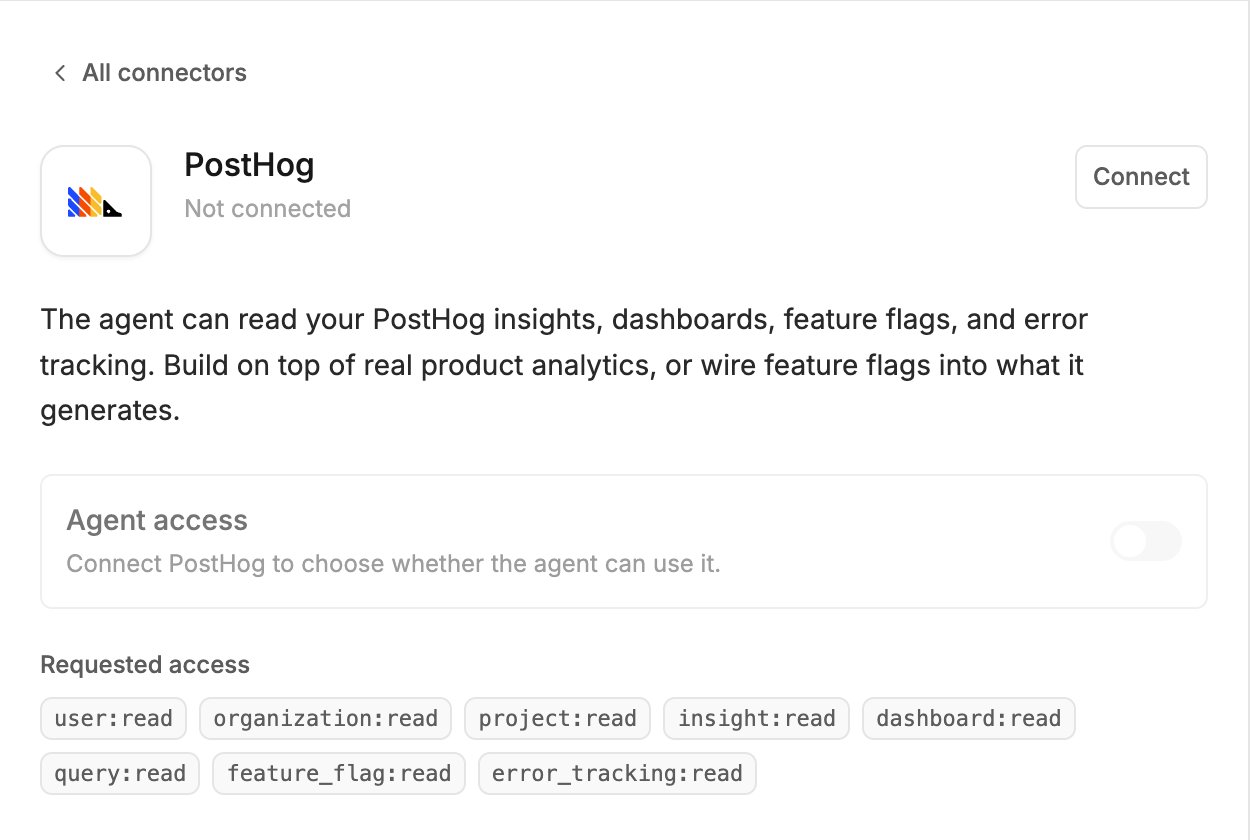
What the agent can do
- Read your insights and dashboards, and run read-only queries
- Read your feature flags
- Read error tracking
Before you connect
The connector works with PostHog’s US cloud. Accounts on PostHog’s EU cloud cannot connect yet.Connect
- Click Agent connectors in the generation input.
- Find PostHog and click Connect.
- Sign in to PostHog in the popup and approve the access.
Try it
Related
- Agent connectors — approving calls, accept-all, turning a connector off, disconnecting