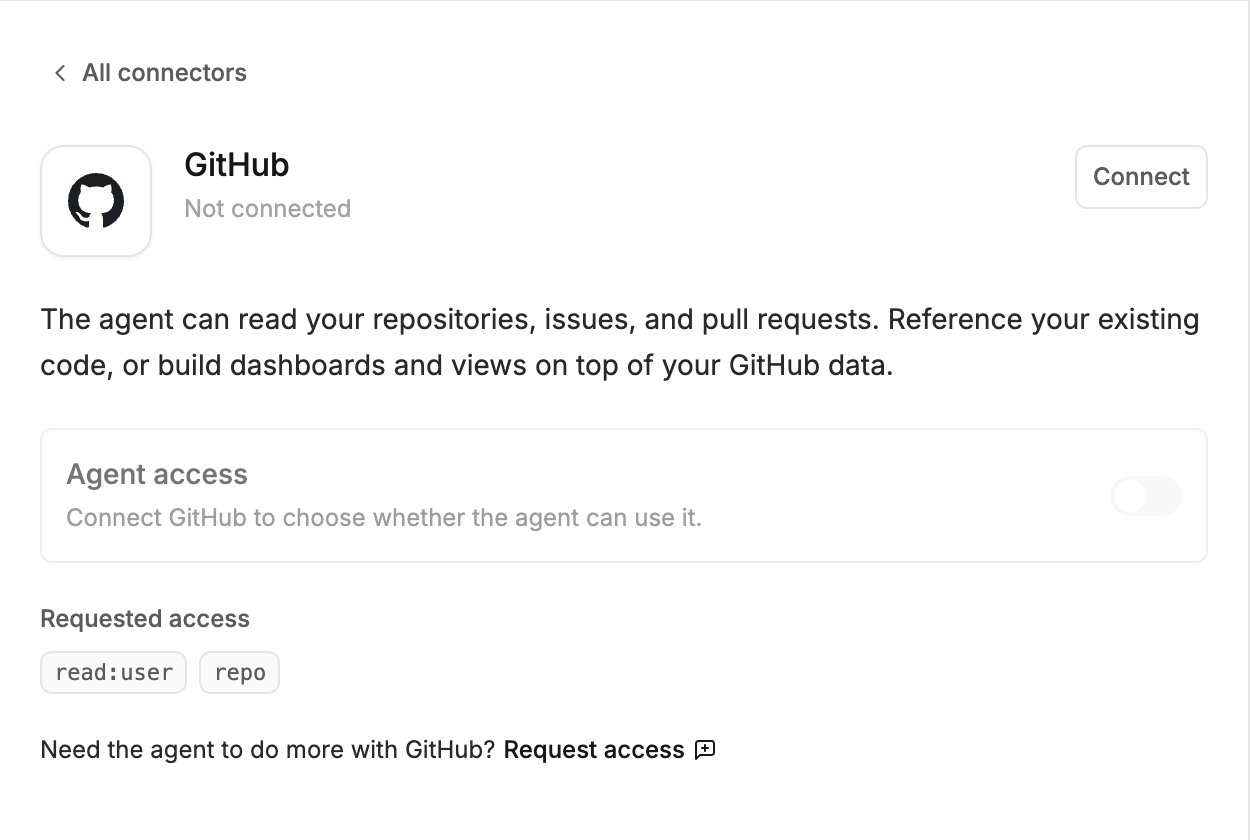
The GitHub connector lets the agent read your repositories, issues and pull requests. Use it to point the agent at code you already have, or to build dashboards and views from your GitHub data. This is different from linking a project to a repository. The connector is for reading; syncing a project with a repository is how a project’s own code lives on GitHub. Integrations, connectors and the MCP server explains the difference.
GitHub in the Agent connectors window, with the Connect button, the Agent access switch and the access Polymet asks for

What the agent can do

  • Read your repositories, including private ones you can access
  • Read issues and pull requests
It cannot write. The connector uses GitHub’s read-only access point, so the agent has no way to push code, open or close issues, or change anything on GitHub through it. GitHub’s approval screen asks for the repo permission, which GitHub describes as full access to repositories. GitHub has no narrower permission that reaches private repositories, so Polymet asks for that one and keeps the agent to the read-only access point.

Connect

  1. Click Agent connectors in the generation input.
  2. Find GitHub and click Connect.
  3. Sign in to GitHub in the popup and approve the access.
If your GitHub organization restricts third-party applications, an organization owner has to approve Polymet before its repositories show up.

Try it