
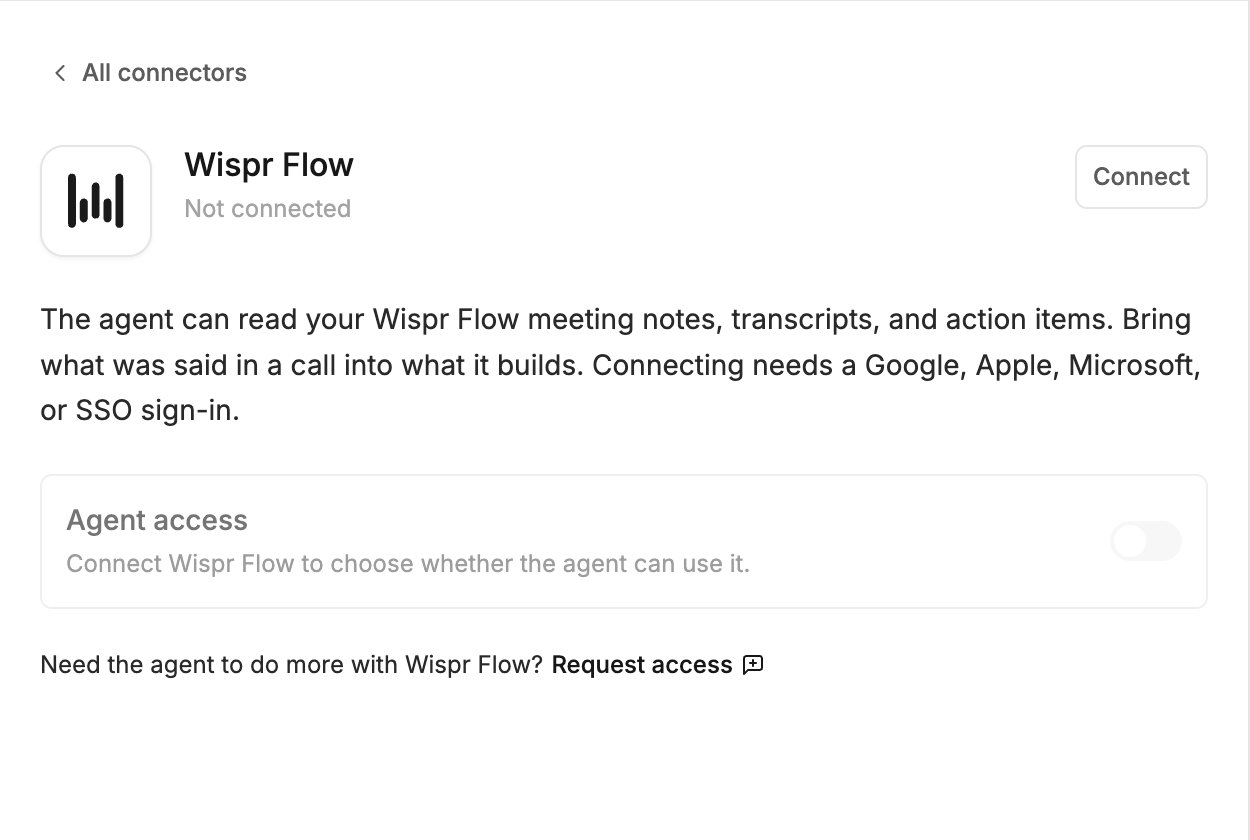
What the agent can do
- Read your meeting notes and transcripts
- Read action items from meetings
Before you connect
Connecting needs a Wispr Flow account that signs in with Google, Apple, Microsoft or SSO. An account that signs in with an email and password cannot connect.Connect
- Click Agent connectors in the generation input.
- Find Wispr Flow and click Connect.
- Sign in to Wispr Flow in the popup and approve the access.
Try it
Related
- Agent connectors — approving calls, accept-all, turning a connector off, disconnecting
- Granola connector — another source of meeting notes